
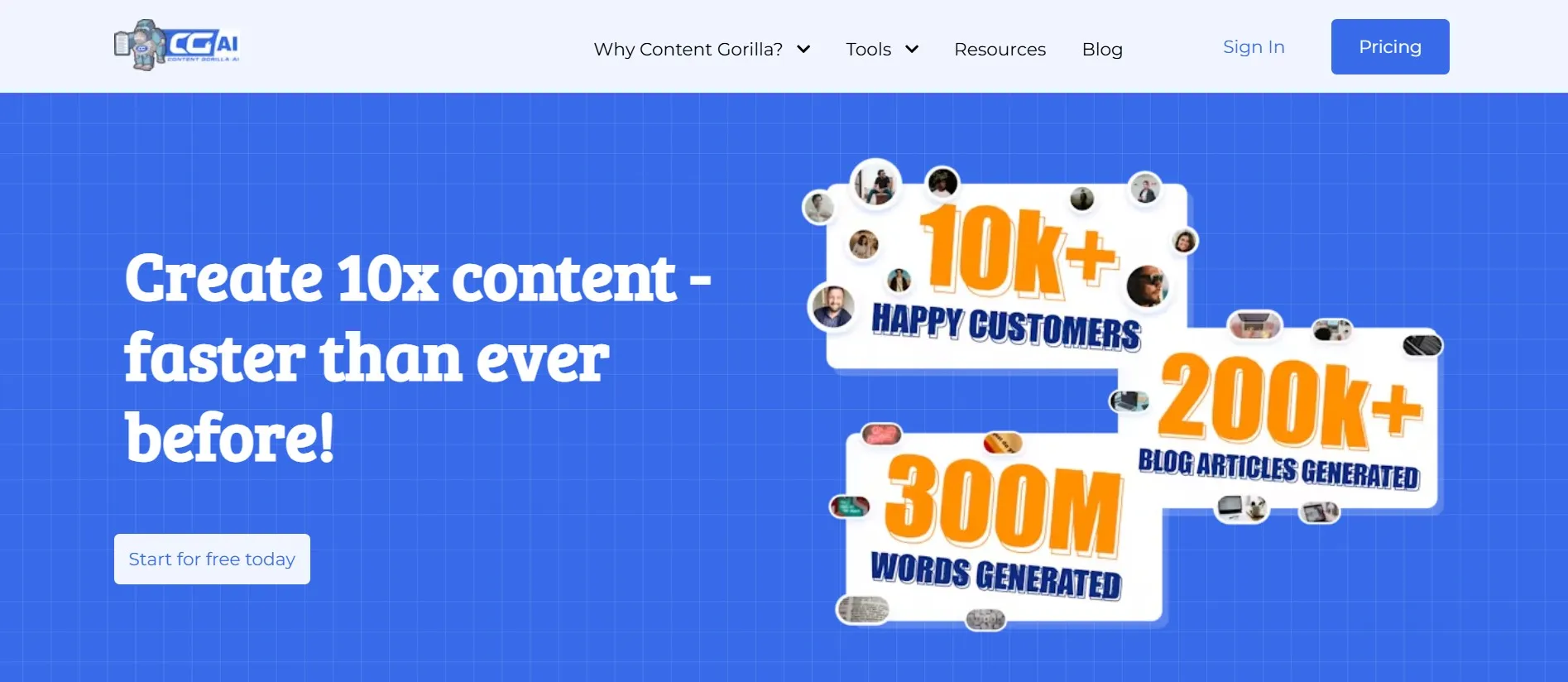
If you’re looking for an easy way to turn videos into blog posts, Content Gorilla AI might be your tool. It helps you create blog posts quickly, saving time and effort. Content Gorilla AI can turn YouTube videos into written articles in just a few clicks. This tool is designed to make content creation fast, simple, and effective.
Whether new to blogging or a business owner, Content Gorilla AI can make your life easier. In this review, we’ll review its main features, how it works, and whether it’s a good fit for you. Let’s get started!
What Is Content Gorilla AI?
Content Gorilla AI is a content tool that turns YouTube videos into fully written blog posts using artificial intelligence (AI). With Content Gorilla AI, you can easily create multiple blog posts at once, plan and schedule posts, and even optimize content to appear higher on Google (SEO).
Here’s a quick look at what Content Gorilla AI offers:
| Feature | Description |
| Video to Blog Conversion | Turns YouTube videos into well-written blog posts |
| Bulk Article Creation | Creates up to 30 articles at once |
| SEO Optimization | Helps improve content ranking on search engines |
| Content Calendar | Lets you schedule posts in advance |
| Platform Integrations | Publish directly on WordPress, Facebook, Twitter, etc. |
| Multilingual Support | Works with multiple languages |
| Training Resources | Tutorials and guides for beginners |

Key Features of Content Gorilla AI
Content Gorilla AI has many useful features for content creators. Let’s examine each feature in detail.
1. Convert YouTube Videos to Blog Posts
One of the best features of Content Gorilla AI is the YouTube-to-blog conversion. You can take a YouTube video link, paste it into the tool, and it will automatically create a blog post based on the video.
- Why It’s Useful: It saves time because you don’t have to type out or transcribe the video yourself.
- Best For: YouTubers, educators, and marketers who want to reach people who prefer reading.
With this feature, you can quickly turn video content into written content, which is useful for reaching a broader audience.
2. Bulk Article Creation
If you need many blog posts at once, Content Gorilla AI’s bulk article creation is a great option. This feature lets you create up to 30 articles at a time.
| Benefit | Explanation |
| Saves Time | Quickly generate many articles at once |
| Consistent Posting | Helps keep blogs updated with regular posts |
| Best for Businesses | Perfect for those who need a high volume of content |
This feature is useful for bloggers and business owners who want to publish regular content without spending a lot of time.
3. SEO Optimization
SEO, or “Search Engine Optimization,” is how you make your content show up on Google and other search engines. Content Gorilla AI helps with this by offering keyword suggestions and optimizing content.
- Why It’s Important: SEO brings more visitors to your website.
- How It Works: Content Gorilla AI includes SEO tools that suggest keywords and improve your article structure to help it rank higher.
By optimizing your content, you have a better chance of getting it seen by more people online.
4. Content Scheduling Calendar
With Content Gorilla AI’s scheduling calendar, you can plan and schedule posts in advance. This feature is helpful if you want to keep a regular posting schedule without having to log in every day.
| Benefit | Explanation |
| Time Management | Plan your content for days or weeks in advance |
| Consistency | Keeps your audience engaged with regular posts |
| Less Manual Work | Posts go live automatically based on your schedule |
Scheduling posts can free up your time and help you stay consistent with your content.
5. Integrations with Other Platforms
Content Gorilla AI integrates with platforms like WordPress, Facebook, Twitter, and LinkedIn. This means you can publish or share your content directly from the tool, which saves time.
| Platform | Purpose |
| WordPress | Publish directly on your blog |
| Share content with a larger audience | |
| Reach new people with social media posts | |
| Share articles with a professional audience |
These integrations make it easy to reach different audiences without extra work.
6. Multilingual Support
Content Gorilla AI also supports different languages. If you have an international audience, this feature can help you create content that reaches more people around the world.
7. Training Resources for New Users
Content Gorilla AI has guides and tutorials to help beginners get started. Even if you’re new to content creation, these resources make it easy to learn how to use the tool.
- User Guide: Explains each feature step-by-step.
- Video Tutorials: Show how to use the tool effectively.
- Customer Support: For any questions or technical issues.
Who Should Use Content Gorilla AI?
Content Gorilla AI can help many different types of people. Here are a few examples:
- Bloggers: Keep your blog active without spending too much time writing.
- Business Owners: Create articles that attract new customers.
- Freelancers: Generate content for multiple clients with ease.
- Educators: Turn educational videos into blog posts for students.
- Social Media Managers: Quickly create and share content on various platforms.
Whether you are a beginner or an experienced content creator, Content Gorilla AI can speed up and simplify your workflow.
How to Use Content Gorilla AI: Step-by-Step Guide
Starting with Content Gorilla AI is simple. Here’s a quick step-by-step guide to help you get started.
- Sign Up and Choose a Plan: Go to the Content Gorilla AI website and create an account. You’ll see different plans, so pick the one that best fits your needs.
- Select a YouTube Video or Topic: If you want to convert a YouTube video into a blog post, paste the video link. For bulk articles, you can add topics.
- Generate Content: Content Gorilla AI will automatically create a blog post based on the video or topics you provided.
- Edit and Optimize: After the tool creates the article, you can review and edit it. Content Gorilla AI will also suggest keywords to improve SEO.
- Schedule or Publish: When your article is ready, you can publish it directly to WordPress or schedule it later using the content calendar.
Using this simple process, you can quickly create high-quality content, saving hours of manual work.
Real-Life Scenarios for Using Content Gorilla AI
To help you understand how useful Content Gorilla AI can be, here are some real-life examples:
- Repurposing YouTube Content: Suppose you have a YouTube channel and want to reach people who prefer reading. With Content Gorilla AI, you can turn your video into a blog post, allowing more people to access your content.
- Managing Multiple Blogs or Clients: The bulk article feature can save you a lot of time if you’re a freelancer or agency with multiple clients. You can generate up to 30 posts at once, making it easier to meet deadlines.
- Keeping Your Blog Updated: Content Gorilla AI’s scheduling feature allows you to plan weeks of content in advance for personal blogs. This ensures your blog stays active even when you’re busy.
Content Gorilla AI is ideal for people with busy schedules or managing multiple projects.
Pros and Cons of Content Gorilla AI
Content Gorilla AI is a powerful tool, but like any tool, it has strengths and weaknesses. Here’s a table summarizing the main pros and cons:
| Pros | Cons |
| Time-Saving: Converts videos to articles quickly | Less Customization: SEO tools may be basic |
| Easy to Use: Simple interface for all users | Heavy on YouTube: Works best with YouTube videos |
| SEO-Friendly: Helps boost Google rankings | Generalized Content: May not fit specific needs |
| Bulk Article Creation: Generate up to 30 articles at once | Content Quality: AI-generated content can lack nuance |
| Platform Integrations: Publish to WordPress, Facebook, Twitter, and LinkedIn | |
| Consistent Posting: Use the scheduling calendar for regular posts |
Advantages of Content Gorilla AI in Detail
1. Saves Time and Effort
One of the biggest advantages of Content Gorilla AI is that it saves time. Instead of spending hours transcribing videos or writing from scratch, you can generate articles in minutes. This is especially useful for busy bloggers and business owners who must post regularly.
2. Easy to Use
Content Gorilla AI has a simple interface, making it easy for beginners to navigate. With tutorials and guides, even new users can start creating content quickly.
3. SEO Optimization for Better Ranking
Content Gorilla AI helps improve your blog’s visibility by offering SEO features, like keyword suggestions and tags. This can help drive more organic traffic to your website.
4. Bulk Article Creation for More Content
For those who need a large amount of content, the bulk article feature is a major benefit. This feature lets you create up to 30 articles at once, making it easier to keep your content calendar full.
5. Integrated with Major Platforms
Content Gorilla AI integrates with platforms like WordPress, Facebook, and LinkedIn. You can publish or share your content on these platforms directly from the tool, which saves time and maximizes reach.
Disadvantages of Content Gorilla AI in Detail
1. Limited SEO Customization
While Content Gorilla AI has basic SEO tools, they may not be as advanced as those on dedicated SEO platforms. If you need more control over your SEO strategy, you may need additional tools.
2. Content May Feel Generalized
Since Content Gorilla AI uses AI to create content, the tone and style may feel less personal or specific. If you want very personalized or niche content, you might need to make edits after using the tool.
3. Best for YouTube Content
Content Gorilla AI works best with YouTube videos. If you don’t use video content or want to use other sources, this tool might not be ideal.
4. AI-Generated Content Can Lack Nuance
AI can create content quickly, but it might miss subtle details or personality. For highly detailed or creative writing, you may still need a human touch or editing.
Key Tips for Getting the Most Out of Content Gorilla AI
To make the most of Content Gorilla AI, here are some helpful tips:
- Choose Videos Carefully: For the best results, choose videos that are informative and well-structured. Content Gorilla AI works best with clear audio and logical flow.
- Review and Edit: Even though Content Gorilla AI creates content quickly, it’s still important to review and edit the final article. This ensures it fits your style and meets your audience’s needs.
- Use Keywords Wisely: Content Gorilla AI provides keyword suggestions. Use these to improve your content’s SEO, but don’t overuse keywords. Keep the article readable.
- Plan with the Content Calendar: The content calendar helps plan posts in advance. Use it to schedule a month’s worth of content and keep your blog consistent.
- Experiment with Bulk Creation: Try using the bulk article feature to generate multiple posts at once. This feature is perfect for building up a backlog of content for busy periods.
By following these tips, you can maximize the value of Content Gorilla AI and improve your content strategy.
Who Should Consider Using Content Gorilla AI?
Content Gorilla AI is suitable for different types of users, including:
- Bloggers and Writers: Bloggers who need to post regularly will appreciate the quick content generation and scheduling tools.
- Businesses and Marketers: For business owners, Content Gorilla AI can help create informative content that attracts new customers.
- Agencies and Freelancers: Freelancers and agencies managing multiple clients can use the bulk article feature to generate high volumes of content.
- Educators and Course Creators: Teachers and course creators can turn educational videos into blog posts, making information accessible in multiple formats.
- Social Media Managers: Social media managers can quickly create and share blog content across various platforms, expanding their reach.
Content Gorilla AI could be a valuable addition to your toolkit if you’re in any of these roles.
Real-World Examples of Using Content Gorilla AI
Here are some real-world scenarios where Content Gorilla AI can help:
- Repurposing YouTube Content: Suppose you have a YouTube channel with informational videos. You can turn these videos into blog posts, helping you reach more people who prefer reading.
- Creating Content for Multiple Clients: For freelancers or agencies, the bulk creation feature is a lifesaver. You can generate up to 30 posts at once, meeting deadlines with ease.
- Keeping Your Blog Updated: Content Gorilla AI’s scheduling calendar can help you stay consistent if you manage a personal blog but struggle to post regularly.
FAQs about Content Gorilla AI
To address some common questions, here are FAQs about Content Gorilla AI:
1. What is Content Gorilla AI?
Content Gorilla AI is a content creation tool that helps convert YouTube videos into blog posts and create bulk articles. It also includes SEO features and integrates with WordPress, Facebook, Twitter, and LinkedIn platforms.
2. Who should use Content Gorilla AI?
Content Gorilla AI is useful for bloggers, businesses, freelancers, and anyone who needs content quickly. It’s ideal for people who want to save time on writing, create SEO-friendly content, and publish on multiple platforms.
3. Can I use Content Gorilla AI for SEO?
Yes, Content Gorilla AI offers built-in SEO tools. These tools provide keyword suggestions, optimize article structures, and help improve search engine rankings.
4. How does the YouTube video-to-blog feature work?
To convert a YouTube video into a blog post, paste the video’s URL into Content Gorilla AI. The platform will transcribe the video, format the content, and generate an easy-to-read and SEO-friendly article.
5. Can I schedule posts with Content Gorilla AI?
Yes, the scheduling calendar feature allows you to plan and schedule your blog posts in advance. This feature is helpful if you want a steady stream of content without manually publishing each post.
6. Does Content Gorilla AI offer support for beginners?
Yes, Content Gorilla AI has a knowledge base and training resources. New users can access guides, video tutorials, and customer support for assistance.
7. Is Content Gorilla AI suitable for non-English content?
Yes, Content Gorilla AI supports multiple languages, making it ideal for users with international audiences.
8. What platforms can I publish on directly with Content Gorilla AI?
Content Gorilla AI integrates with WordPress, Facebook, Twitter, and LinkedIn. You can publish your content directly to these platforms or schedule posts to go live later.
Pros and Cons Recap
Let’s summarize the main pros and cons:
Pros
- Converts YouTube videos to blog posts.
- Bulk article creation (up to 30 posts at once).
- SEO optimization for improved rankings.
- Easy integration with multiple platforms.
- Scheduling calendar to plan posts.
Cons
- Limited customization for advanced SEO.
- Best suited for YouTube video content.
- Content may feel generalized.
Conclusion
Content Gorilla AI is a reliable tool for anyone looking to produce quality content quickly. Its YouTube video-to-blog feature, bulk article creation, and SEO tools make it ideal for bloggers, businesses, and freelancers. You can generate multiple articles in one go, optimize for SEO, and publish on popular platforms without hassle. The scheduling feature ensures a steady flow of posts, saving time and keeping your audience engaged.
While it may have some limitations, Content Gorilla AI’s simplicity and time-saving features make it an excellent choice for content creators. To streamline your content creation, try Content Gorilla AI and see how it can enhance your productivity in 2024.